Recover an unavailable acknowledgement check
Keep a read-only history retry separate from an explicit Terms & Privacy acknowledgement.
The workflow
- Read the unavailable-verification message without assuming that missing history means no previous acknowledgement.
- Use Retry to read history again. Retrying does not record acceptance.
- After a completed check, review the linked Terms of Service and Privacy Policy when the acknowledgement dialog applies.
- Make an explicit acknowledgement choice separately from recovery.
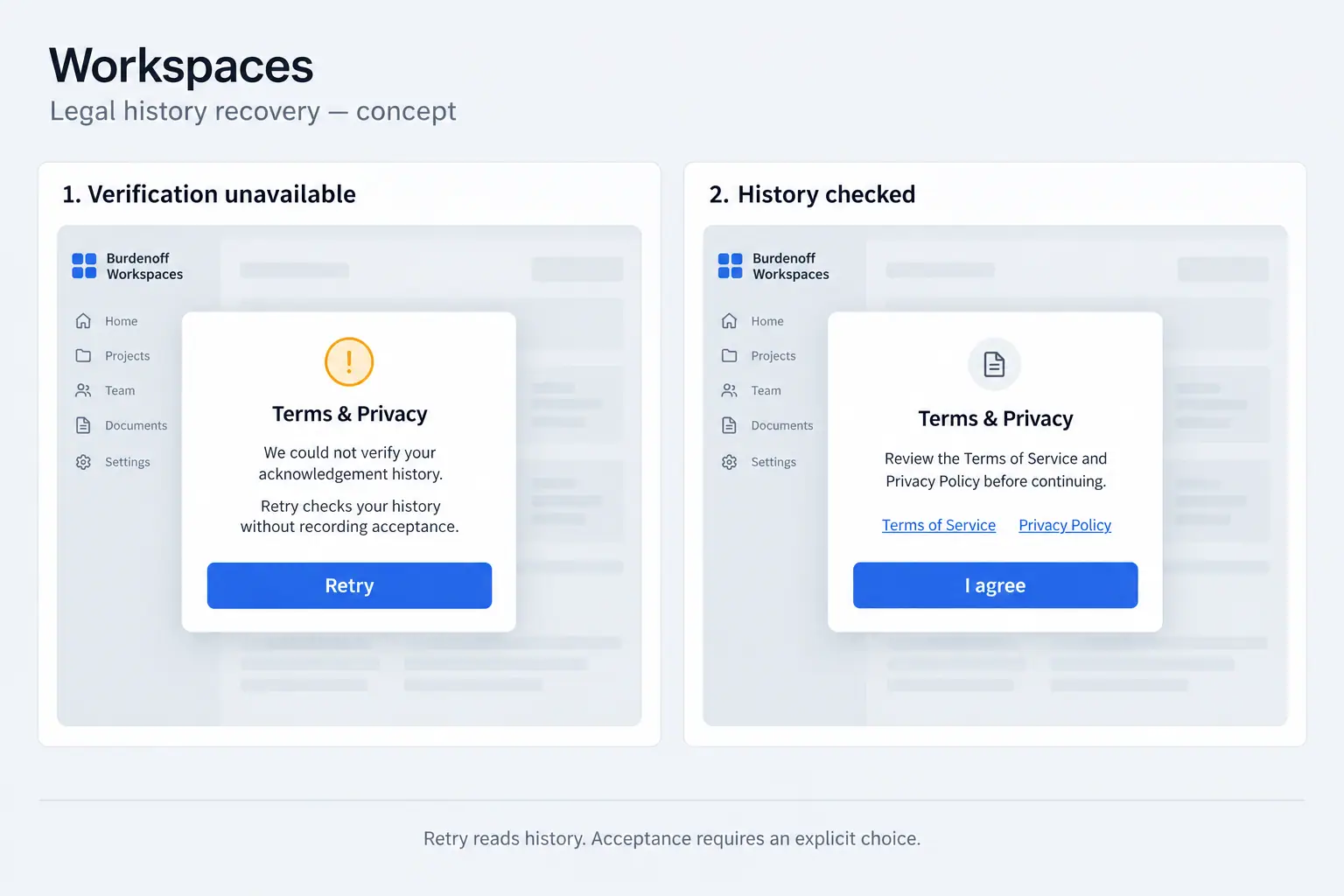
What the illustration shows
The illustration places two Workspaces dialogs side by side. The left panel, Verification unavailable, shows an alert symbol and explains that acknowledgement history could not be verified. Its supporting text says that Retry checks history without recording acceptance, and Retry is its only button. The right panel, History checked, uses a document symbol and asks the person to review the Terms of Service and Privacy Policy before continuing. Both document titles appear as links above an I agree button. Muted navigation remains visible behind each dialog. A footer connects the panels by stating that Retry reads history while acceptance requires an explicit choice. No saved record or real personal information is displayed.
View Legal History Recovery conceptThese images are illustrations of the concept, not screenshots of the actual product.